
Your website is often the first impression a customer has of your business. Here are a few signs it might be time for an update.
Quick checklist
- It’s hard to use on a phone.
- Your services or pricing have changed, but the site hasn’t.
- Visitors can’t easily find how to contact you.
- Pages load slowly.
- You’re embarrassed to send people to it.
If you ticked two or more, a refresh is probably worth it. Start with the pages that matter most to customers — usually your homepage, services and contact page.
“Can’t AI just build it for me?”
It’s a fair question. Today’s AI tools can generate a full website — layout, copy, images and all — in minutes. For a quick prototype or a first draft, that’s genuinely useful, and we use AI in our own work every day.
But there’s a reason the term “AI slop” has caught on. It describes content that’s produced quickly and looks fine at a glance, but is generic, inaccurate or simply doesn’t do its job. A site can look polished and still fail the people using it: the button customers need is buried, the copy sounds like everyone else’s, the contact form quietly breaks on mobile, or the page is so heavy it crawls on a rural connection.
A website isn’t finished because it looks finished. It’s finished when it does what you redesigned it for — more calls, more bookings, more quote requests, fewer “how do I…?” emails.
What expertise adds
An experienced designer or developer brings judgment that a generator can’t, starting with the question most tools skip: what is this site supposed to achieve? From there, best practices do the heavy lifting:
- Clear goals. Every page has a job, and every design decision should serve it.
- Usability. Navigation people understand, a clear visual hierarchy and calls to action that stand out at the right moment.
- Accessibility. Readable contrast, meaningful image descriptions and forms that work with a keyboard or screen reader — for your customers, and increasingly for compliance.
- Speed and search. Fast pages, clean structure and content search engines can understand.
- Your voice. Copy that sounds like you and is accurate about what you actually offer — not filler that could belong to any business.
- Proof. Checking how real people use the site after launch and refining what isn’t working.
Use AI as a tool, not the decision-maker
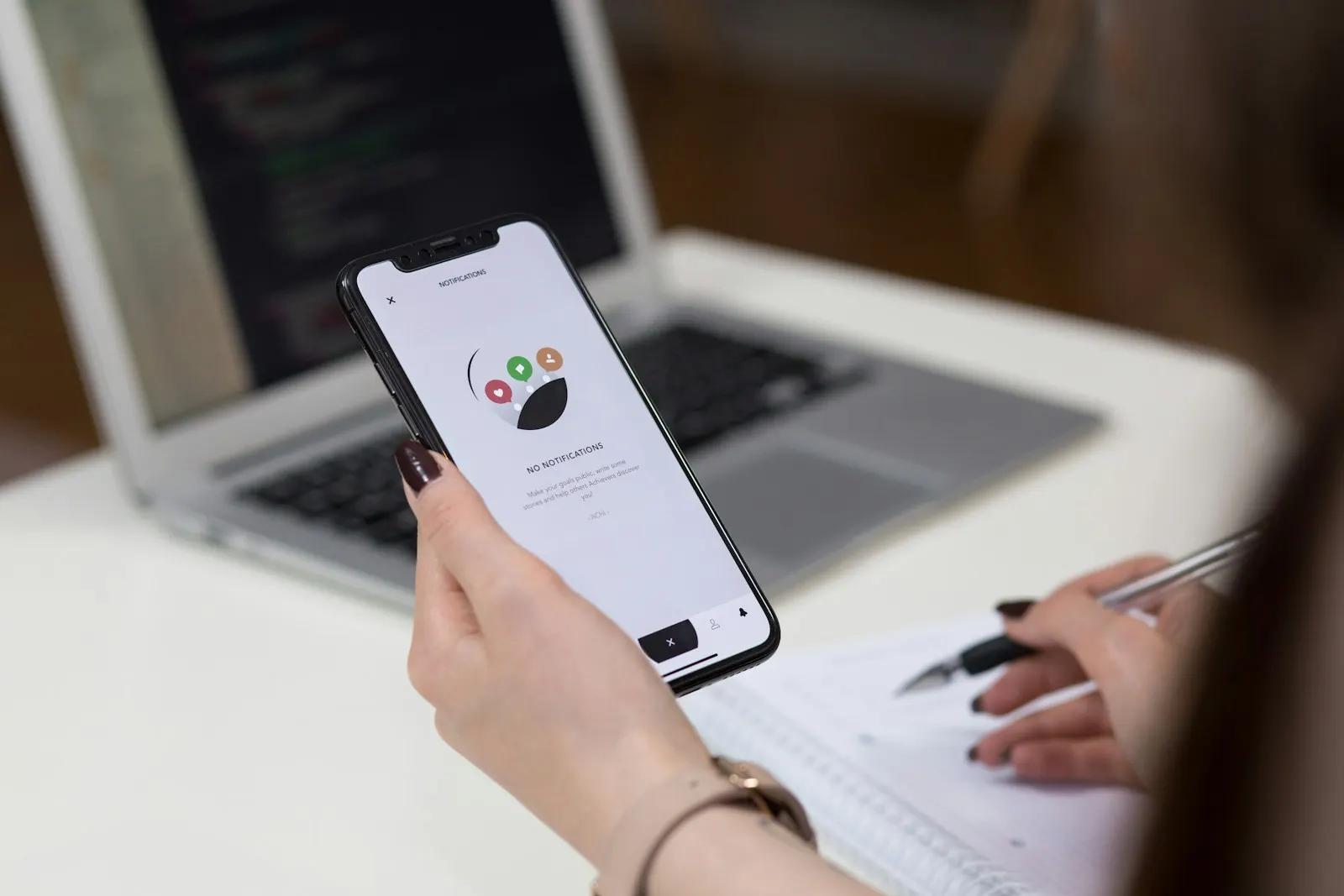
The best results come from pairing AI’s speed with human expertise. Let the tools help with drafts, ideas and repetitive tasks, then have someone who knows what good looks like decide what ships. Before you launch a refresh — however it was built — ask:
- Can a first-time visitor tell what you do within a few seconds?
- Is the main action (call, book, request a quote) obvious on every key page, on a phone?
- Is every claim, price and detail on the site accurate?
- Does it load quickly on a mobile connection?
- Would you be proud to send your best customer to it?
Want a second opinion? Start a conversation with our team.